
By Advent Shoko
HARARE – The 2025 O-Level results from the Zimbabwe School Examinations Council (ZIMSEC) are officially out today, Friday, 16 January 2026.
Primary and Secondary Education Minister Tonderayi Moyo announced the release on Thursday, highlighting ZIMSEC’s professionalism and commitment to transparency. He said:
“I am pleased to inform the nation that the 2025 ZIMSEC Ordinary Level Examination Results will be officially released tomorrow at 12 noon. This marks a significant milestone in our academic calendar, and I wish to commend ZIMSEC for upholding the integrity of our national examinations system.”
How To View Your Results Online
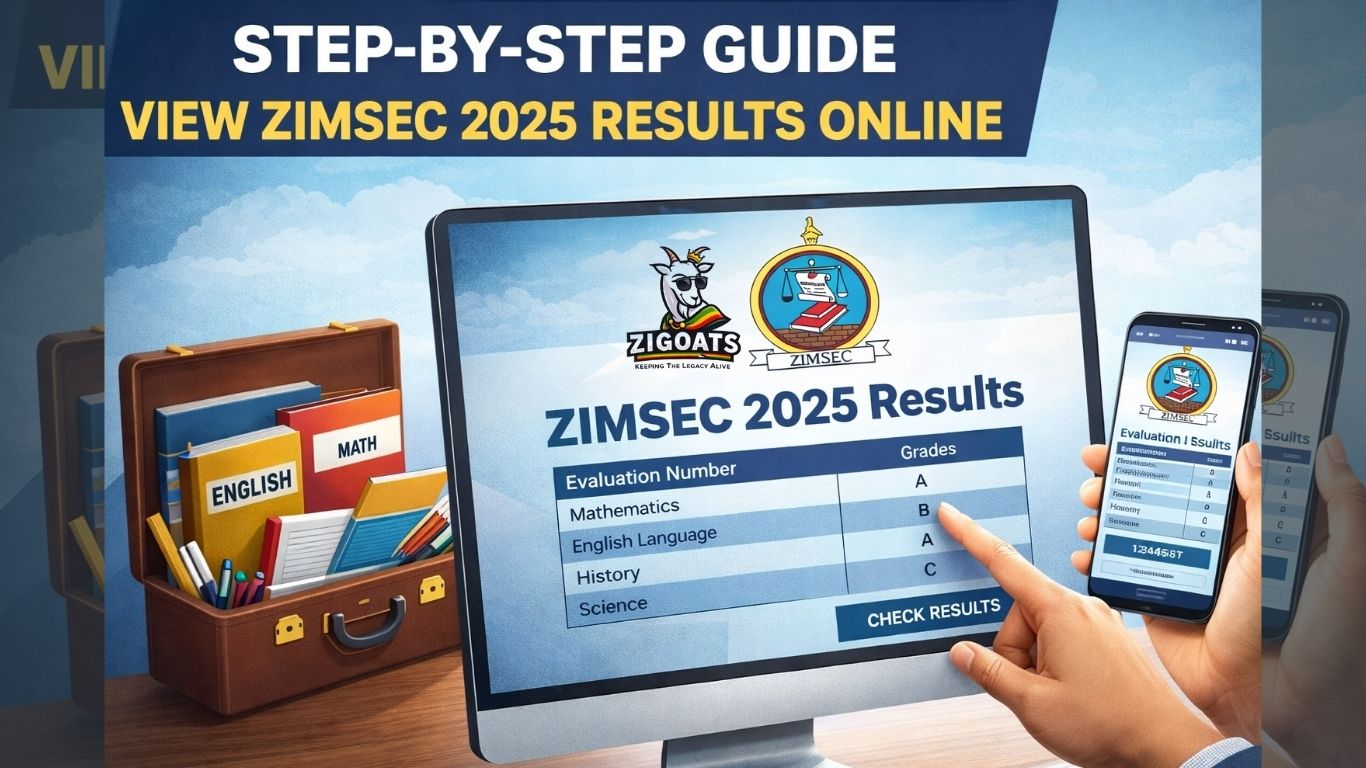
ZIMSEC continues to ease pressure on schools by allowing candidates to check results online, a practice that has grown in popularity over recent years. This approach reduces congestion at examination centres and gives students faster access to their results.
Portal Status:
Ahead of the release, the ZIMSEC online platform displays this notice:
“The Online Results Platform for the November 2025 O-Level results will be available soon. Please have your Statement of Entry ready to facilitate successful account registration.”

Candidates are advised to keep their Statement of Entry handy to ensure a smooth login and registration process once the portal goes live.
Step-by-step Guide To Check O-Level Results
Follow these steps for quick and reliable access:
1. Visit the Official ZIMSEC Portal
- Open your browser and go to the verified ZIMSEC portal.
2. Register as a New User
- Click “Register as a New User” if it’s your first time
- Enter your details exactly as on your Statement of Entry
- Follow the on-screen instructions
3. Confirm Registration
- Look out for confirmation messages; some candidates may need an extra verification step.
4. Return to Login Page
- Go back to the home page and locate the login section.
5. Log In
- Enter your username and password.
- Existing users can log in directly
Forgot password? Use the reset option
6. Access Results Dashboard
- Navigate to the Results Portal once logged in.
7. Select Candidate Results
- Click “Candidate Results”
- Choose Ordinary Level
- Select the November 2025 examination session
8. View and Save Results
- Results will appear on your screen.
- Save as PDF if available
- Take a clear screenshot for records
9. Log Out Safely
- Always log out, especially on public or shared devices.
Top Tips For Candidates
- Expect heavy traffic in the first hours after release, stay patient
- If the portal is slow, try again later
- Schools will still provide official result slips, which are legally recognised
Online results access is crucial for candidates applying to universities, colleges, and training institutions, especially where deadlines are tight. It also saves parents unnecessary travel and costs, making the process faster and more convenient.

Leave a Reply